Sigil Is Shutting Down: Where to Move Your 5e Game in 2026
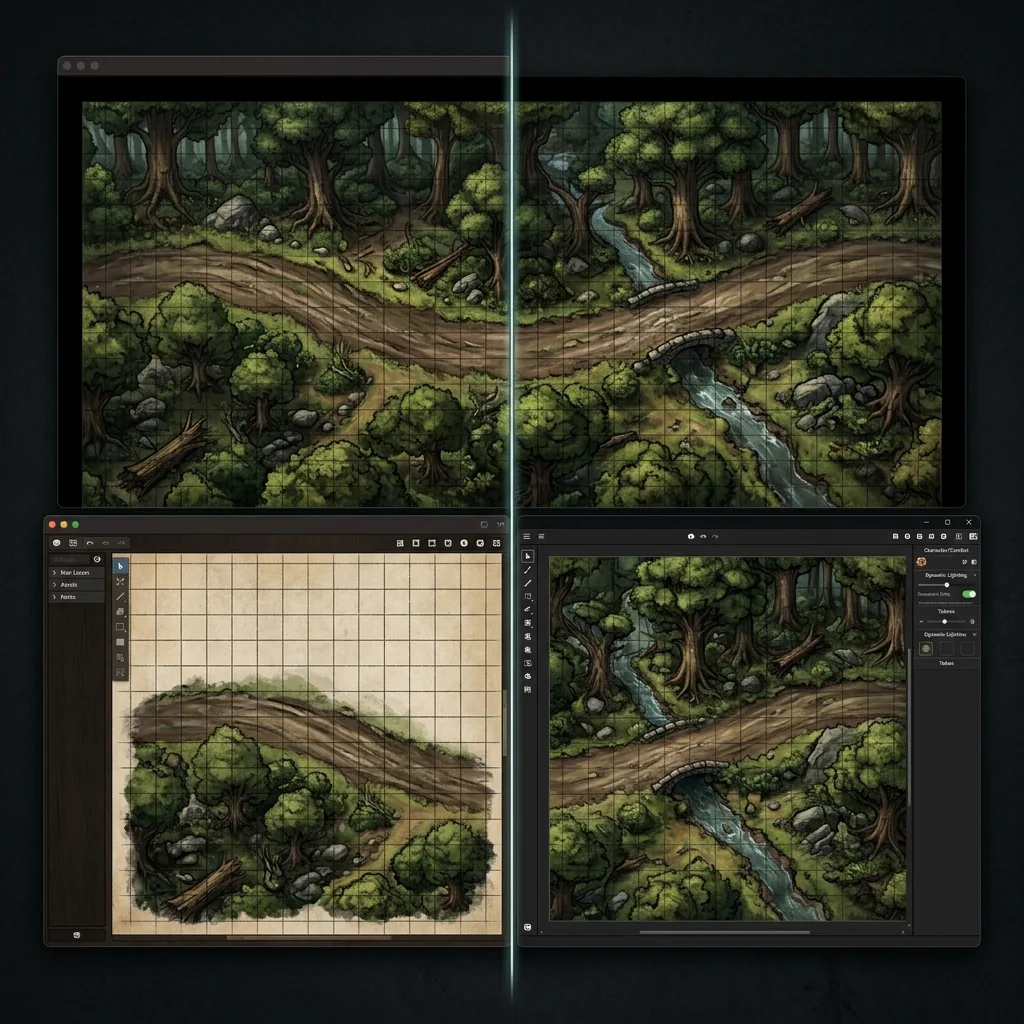
If you just heard that Sigil is shutting down and your weekly game lives on it, take a breath: your campaign is not ending, it is just moving. Wizards of the Coast has confirmed that its 3D virtual tabletop is closing, the servers go dark on October 31, 2026, and user content on the platform will be deleted with them. That deadline is real, and any group still running on Sigil needs a migration plan before the end of the month, not after.
In this guide, we will lay out exactly what the shutdown means, compare the six best places to move your table, and then walk through getting your battle maps into the new home in a single afternoon. We make battle maps, not a virtual tabletop, so unlike every VTT vendor publishing a "best VTT" list this month, we have no horse in this race and can be genuinely neutral about where you land.
What the Sigil shutdown actually means
The operative detail is content deletion. When the servers close on October 31, 2026, the scenes, maps, and assets you built inside Sigil do not go into cold storage; they are gone. Anything you want to keep, from reference screenshots of your builds to exported images, needs to leave the platform before that date. Treat the next few weeks as a moving window: pick a destination, export what you can, and run one low-stakes session in the new VTT before your campaign's next big set piece.
The silver lining is that 2026 is a great year to be VTT shopping. The market is mature, every serious option imports plain image maps without drama, and several support the Universal VTT format that carries grid data along with the art.
Where to move your game
Roll20
Roll20 is the lowest-friction landing spot and the largest community in the hobby, which means the most published adventures, the most LFG traffic, and the most answered questions when something confuses you. It runs entirely in the browser, so nobody at your table installs anything, and its modern Jumpgate engine is now fully rolled out, addressing the performance complaints that dogged the platform for years. It is free to start, with paid tiers layering on storage and dynamic lighting. Map import is a simple image upload onto a page, and our Roll20 battle map guide covers the grid alignment step by step.
Foundry VTT
Foundry is the power user's choice: a one-time purchase, self-hosted, and deeply moddable, with version 14 shipping in 2026 and a module ecosystem that can automate nearly anything. The trade-off for all that power is that someone in your group becomes the Foundry person, responsible for hosting and updates. For map lovers it is arguably the best home on this list, with walls, dynamic lighting, and native scene tools that make imported maps feel alive. Our Foundry VTT map setup tutorial takes an image to a playable walled scene in about five minutes.
Owlbear Rodeo
Owlbear Rodeo is the minimalist answer and the fastest migration on this page: it is free, lightweight, requires no player accounts, and works well enough on a phone that your commuting player stops being a problem. You share a room link, drop in a map, and play. It deliberately skips heavy automation, so groups that want character sheet integration should look elsewhere, but groups that just want maps, tokens, and fog will wonder why they ever tolerated more complexity. Our guide to Owlbear Rodeo battle maps shows the full flow, and our Owlbear Rodeo versus Roll20 comparison puts the two most common destinations side by side.
Fantasy Grounds Unity
Fantasy Grounds Unity sits at the opposite pole from Owlbear: it offers the deepest rules automation in the hobby, with dice, conditions, and effects resolving themselves once a ruleset is loaded. It is paid software with a substantial learning curve, and it rewards the kind of GM who enjoys front-loading setup to make session nights frictionless. Critically for migrating map collections, it has native Universal VTT import, so files in that format arrive with grid data intact. We walk through it in our Fantasy Grounds map setup guide.
Alchemy
Alchemy takes a theater-of-the-mind-first approach, leaning on mood, art panels, and soundscapes rather than gridded tactics, with a tactical mode available when a fight genuinely needs a map. If your Sigil group was drawn to spectacle and story more than to counting squares, Alchemy may fit better than a traditional grid-first VTT ever did. Check its site for current plans, and expect your battle maps to serve as scene art as often as tactical surfaces.
TaleSpire
TaleSpire is the closest spiritual successor to Sigil's 3D ambitions, building encounters from 3D miniature-style tiles with a genuinely charming toybox aesthetic. Be honest with your group about the implications: it is a scene builder rather than an image-based table, so a library of 2D battle maps does not translate directly, and prep means building dioramas. Groups that loved Sigil specifically for the 3D spectacle should shortlist it; groups that mostly played on flat maps inside a 3D engine should probably go simpler.
Moving your maps in an afternoon
Here is the encouraging part: battle maps are the most portable asset in your entire prep folder. A top-down map image works in every VTT above, so your first step is simply collecting your maps as PNG files in one folder, exported from wherever they live today. Anything trapped in Sigil's 3D scene format cannot follow you, but a fresh top-down replacement for a lost scene takes seconds to generate with an AI battle map generator, which is often faster than mourning the original.
Import order matters less than grid alignment. In your new VTT, upload one map, set the grid scale, and confirm a token occupies exactly one square before you bulk-import the rest. If your maps are gridless, this step is painless, because you are aligning the VTT's own overlay rather than fighting lines baked into the art. Where a platform supports the Universal VTT format, prefer .dd2vtt files over plain images, since they carry grid dimensions with them; our explainer on what a .dd2vtt file actually is covers how that works and which VTTs read it. Rebuild walls and lighting last, and only on platforms that use them, starting with the one map your party will see next session.
Picking the right replacement
Match the destination to what your table actually valued. If you want the easiest landing and the biggest community, choose Roll20. If you want maximum control and the best long-term home for a large map library, choose Foundry. If you want to be playing again tonight with zero setup, choose Owlbear Rodeo. If rules automation is the dream, accept Fantasy Grounds' learning curve. If story and spectacle beat squares, look at Alchemy, and if the 3D miniature magic was the whole point of Sigil for your group, TaleSpire carries that torch.
Whichever table you land on, the maps travel with you, and that is the real lesson of any platform shutdown: keep your battle maps in open formats and no server closure can take them. To rebuild your collection or generate next week's encounter in seconds, with PNG and .dd2vtt export ready for any VTT on this list, sign up for the Text to Tabletop app today.
Tyler V
Lead Developer and UX Designer at Text to Tabletop. Passionate about helping GMs and players create better TTRPG experiences.
Ready to Forge Your Next Battle Map?
Describe the encounter and get a grid-aligned, top-down battle map in seconds, then regenerate any area until it matches your vision.
Generate Your First Map Free3 free map tokens · no credit card required