AI Tavern Map Generator
Transform your description into a custom, top-down fantasy tavern map. From cozy roadside inns to multi-story dockside taverns - generated in seconds, gridless, and fully ready for Roll20, Foundry, and Owlbear Rodeo.
Generate Your Tavern Map →3 free maps, no credit card.
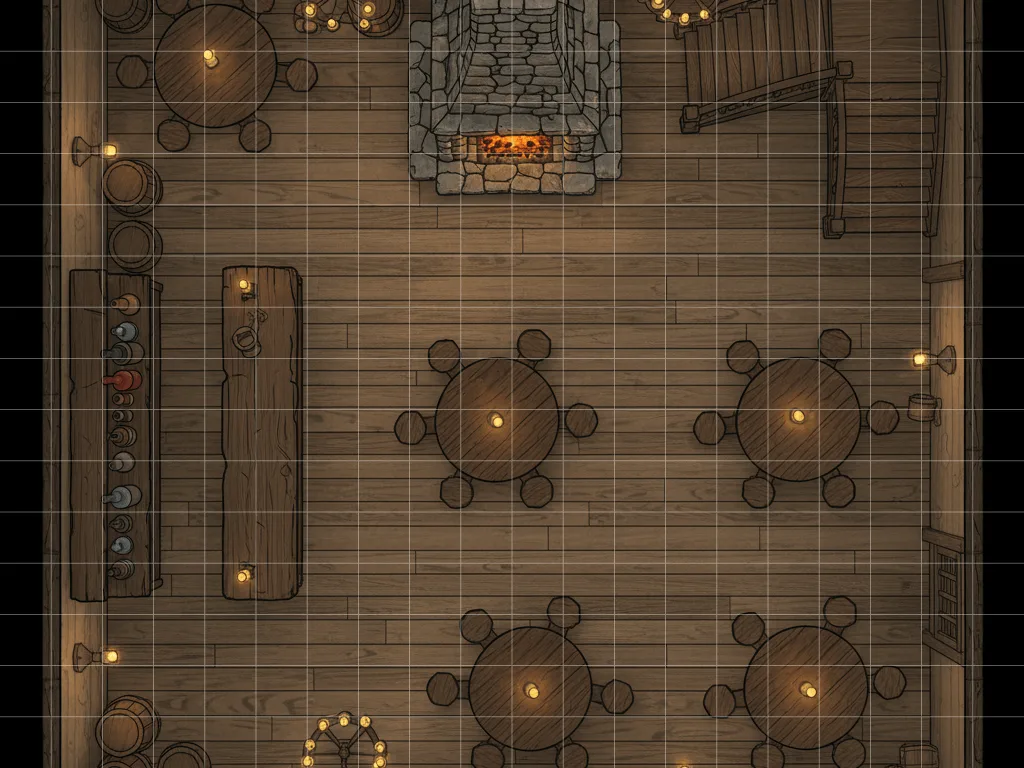
About the AI Tavern Map Generator
Tavern maps are where tabletop RPG campaigns start, where brawls break out, and where major plots are hatched. But drawing one from scratch in an editor or hunting through stock maps to find one that fits your narrative and your virtual tabletop layout can be incredibly tedious.
The Text to Tabletop AI tavern map generator turns your descriptions directly into completed, tactical environments. Describe the layout, lighting, furnishing, and architectural style, and the AI renders a high-detail overhead map matching your vision.
The generator implements a strict 90-degree overhead lock to guarantee the output is a perfectly flat, usable tactical map. It automatically excludes warped lines or pre-rendered figures, so you can apply your VTT's native grid overlay and place your character tokens cleanly.
Example Creations
Real results generated with our AI tool.
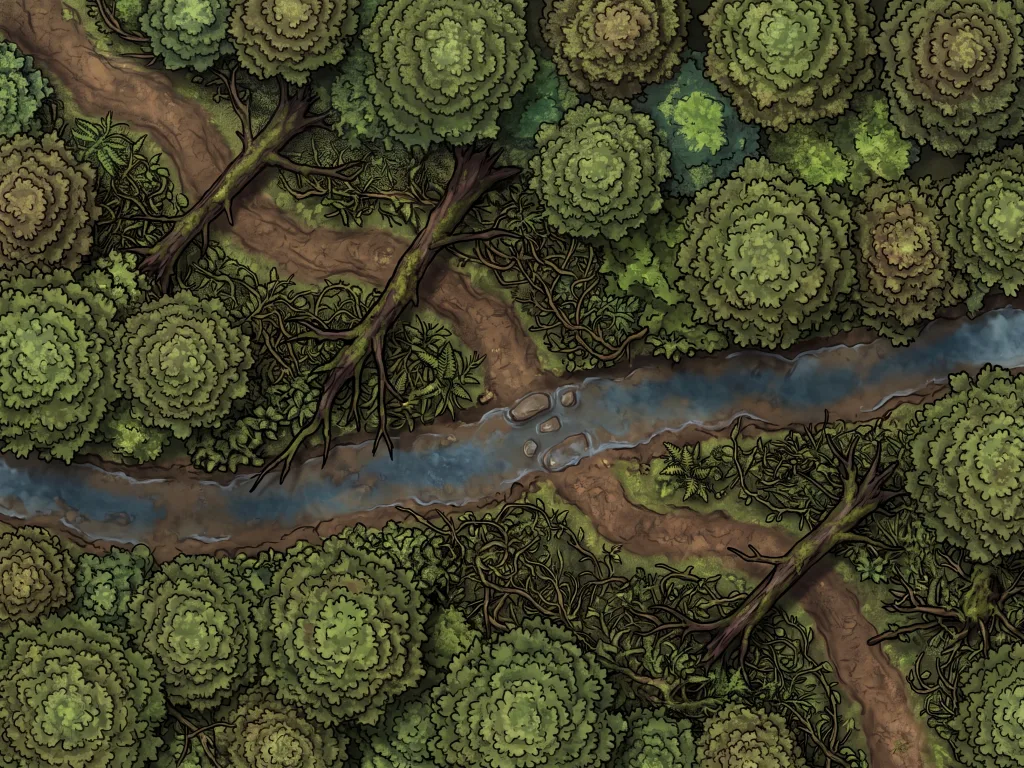
Goblin Ambush Forest Trail
Free download and prompt
"A narrow dirt trail winding through a dense, mossy forest. Fallen logs block parts of the path. Thick underbrush on both sides provides hiding spots. A shallow creek crosses the trail near the center. Dappled sunlight filters through the canopy. Top-down view, grid-aligned, battle map style."
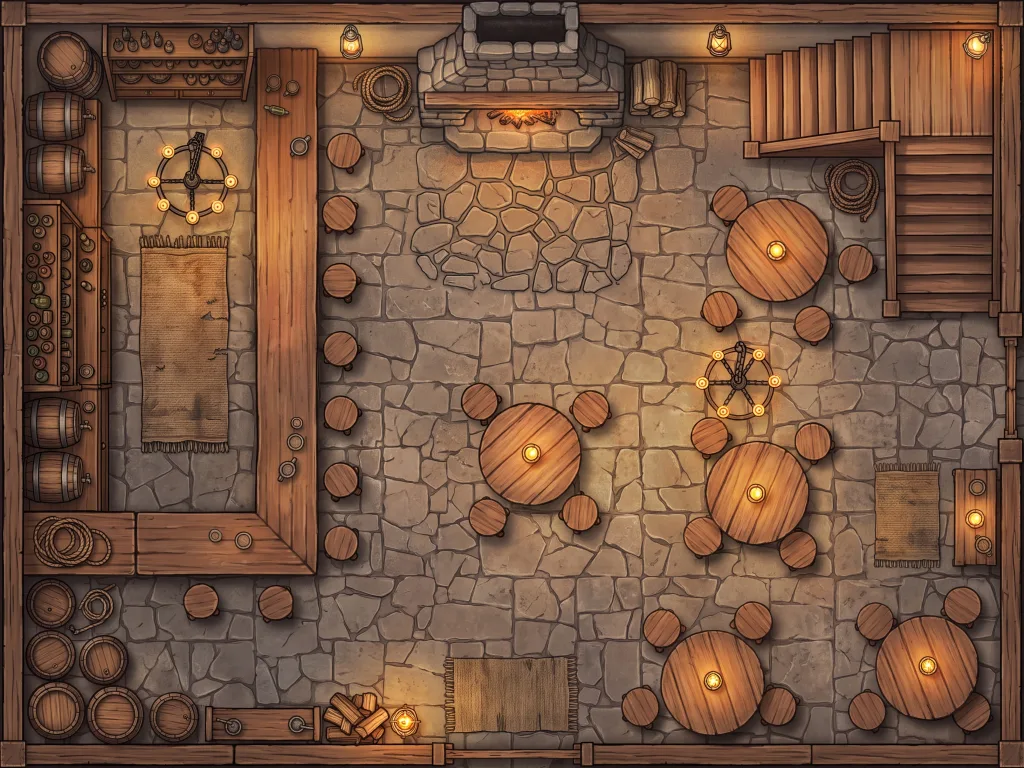
Candlelit Tavern Interior
Free download and prompt
"The interior of a cozy medieval tavern seen from above. A large stone fireplace dominates the back wall. Round wooden tables and chairs are scattered across the main room. A long bar counter runs along the left side with shelves of bottles behind it. A staircase leads to an upper floor in the far corner. Warm candlelight and lanterns throughout. Top-down, grid-aligned, battle map style."
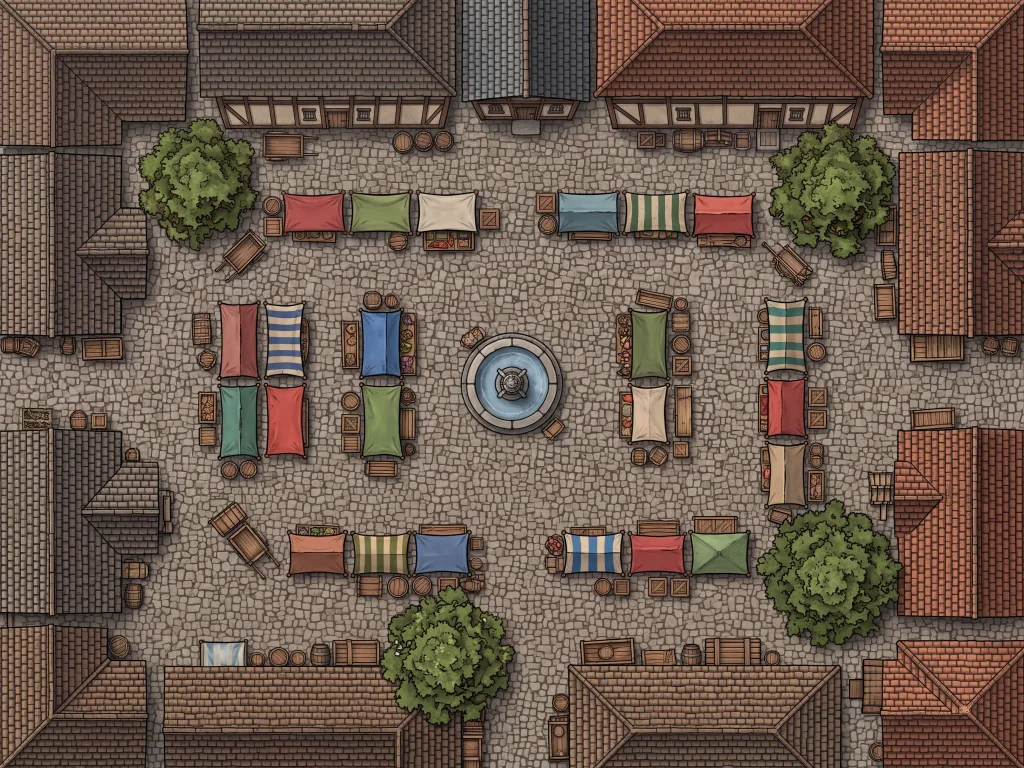
Bustling Market Square
Free download and prompt
"A lively medieval market square seen from above. Colorful canvas-topped merchant stalls arranged in rows selling goods. A stone fountain in the center of the square. Cobblestone streets with barrels, crates, and handcarts scattered around. Half-timbered buildings line all four sides of the square. A few trees provide shade. Busy daytime atmosphere. Top-down, grid-aligned, battle map style."
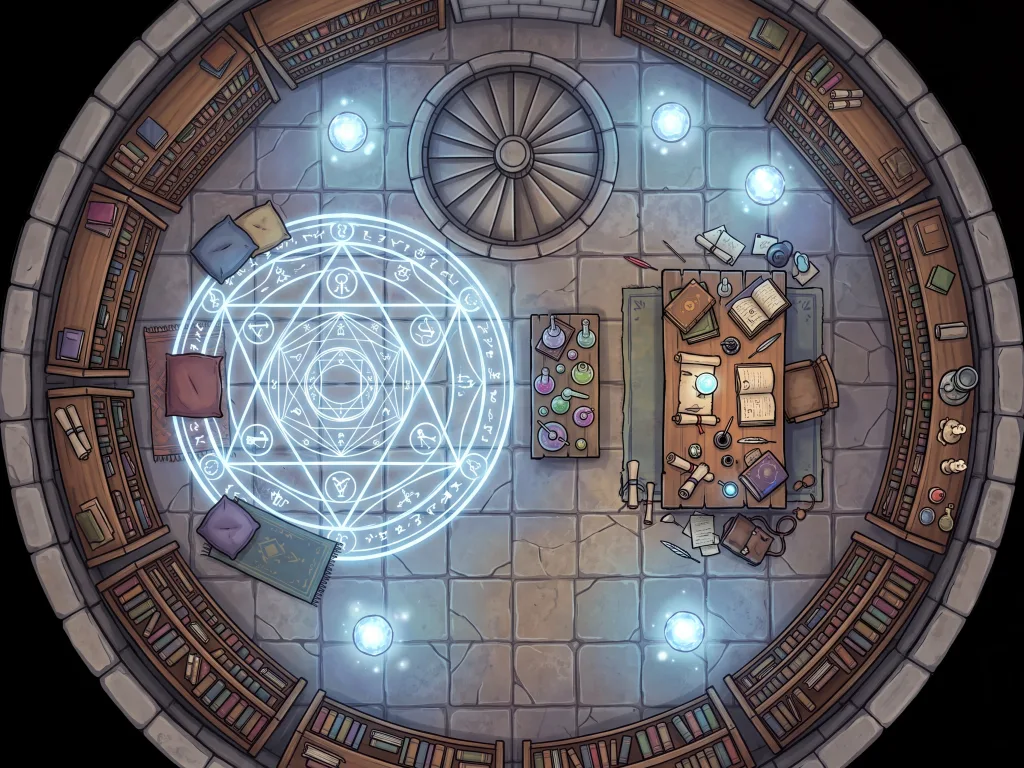
Arcane Library Tower
Free download and prompt
"The interior of a circular wizard's tower library seen from above. Bookshelves line the curved walls from floor to ceiling. A spiral staircase in the center connects to floors above and below. A large desk covered in scrolls, inkpots, and open books. Glowing orbs float near the ceiling providing blue-white light. Arcane symbols are etched into the stone floor forming a ritual circle. Potions and alchemical equipment on a side table. Top-down, grid-aligned, battle map style."
How It Works
Describe
Type your prompt describing the map.
Generate
Our AI processes your prompt instantly.
Refine
Adjust styles, grids, and variations.
Export
Download high-res formats for VTTs.
Use Cases
- Cozy roadside inns - complete with hearths, wooden tables, private rooms, and stables for player rest scenes
- Seedy dockside taverns - multi-story layouts with balconies, hidden basement cellars, and back exits for escape scenes
- Converted cathedral brewpubs - massive stone vaults, high arches, stained glass, and long communal tables
- Riverboat saloons - wood-paneled decks, paddle wheels, and gaming tables for aquatic travel encounters
- Treehouse taverns - built inside massive hollowed tree trunks with circular bars, spiral stairs, and hanging lanterns
- Bustling city taverns - double-story halls with active kitchen areas, main bars, stage platforms, and VIP lounges
- Subterranean speakeasies - carved from cave stone, hidden behind secret doors or deep in dungeon ruins
- Arcane taverns - floating platforms, magical glowing drink shelves, and runic tables for extraplanar travelers
Frequently Asked Questions
Everything you need to know about the AI Tavern Map Generator.
What details can I generate on a tavern map?
Can I make multi-story or multi-room taverns?
Are these tavern maps compatible with Roll20 and Foundry VTT?
Can I customize the architectural style of the tavern?
Is there a free trial, and what does it cost after that?
Do my tokens expire?
How do I edit or adjust a tavern map after creating it?
Generate Your First Tavern Map in 30 Seconds
Ditch the stock maps. Just describe your players' favorite watering hole and let the generator handle the details.
Try Text to Tabletop →