Inkarnate Alternatives: 5 Map Tools to Try in 2026
Inkarnate Alternatives: 5 Map Tools to Try in 2026
Inkarnate is a legendary cartography tool in the tabletop RPG community. For years, it has been the go-to web application for Game Masters (GMs) to paint beautiful worlds, regional hex crawls, and detailed battle maps. Its sprawling asset library and flexible brush tools have helped thousands of storytellers bring their campaigns to life.
However, no single tool fits every workflow. When searching for the best inkarnate alternatives to streamline your session prep, you will quickly discover that the market has evolved. Depending on your prep time, preferred art style, and target platform, Inkarnate might not be the most efficient choice. Exploring alternatives to inkarnate is the best next step to enhance your campaign preparation.
Why GMs Look for Inkarnate Alternatives
While Inkarnate offers outstanding visual fidelity, traditional asset-placement software presents distinct hurdles that can slow down a busy Game Master. Understanding these trade-offs explains why so many GMs look elsewhere.
First, there is the speed barrier. Building a detailed battle map in Inkarnate is a manual, labor-intensive process. For a major campaign milestone, this investment is satisfying. But when players take an unexpected detour and your session starts in an hour, spending three hours placing virtual furniture is not viable.
Second, the platform locks you into a specific art style. Inkarnate is famous for its painterly fantasy aesthetic. While this is perfect for high-fantasy games, it can feel restrictive if you run other genres. If you need a high-contrast layout for a grimdark dungeon crawl, or a metallic cargo bay for a science fiction game, adapting Inkarnate's library takes serious effort. While many tools like inkarnate offer deep customization, they often struggle to break free of their core fantasy roots.
Finally, the asset-placement workflow does not align with every GM's needs. Placing thousands of individual stamps can feel like digital chores. If your primary goal is to obtain a playable visual aid quickly so you can focus on writing story hooks, a manual canvas tool is not the right fit.
5 Inkarnate Alternatives Worth Your Time
As you evaluate different inkarnate alternatives, you will find that each tool approaches map-making differently. Here are five of the best options available in 2026, categorized by how they balance prep time and creative control.
1. Text to Tabletop
Text to Tabletop is a web-based, AI-native battle map generator built specifically to eliminate prep time. Instead of placing assets by hand, you write a natural language description of your encounter. The engine then generates a high-resolution, thematic environment in seconds.
Importantly, Text to Tabletop resolves the issues of generic generative art. It enforces a strict, automatic 90-degree top-down lock, ensuring the output is flat and playable. It also automatically strips away pre-baked grids and static character tokens, leaving you with clean, usable terrain. It supports infinite art styles: from watercolor fantasy glades to gritty cyberpunk streets. You can try the Text to Tabletop app to see this speed in action.
- Use this if: You need highly specific, atmospheric battle maps instantly in any genre without managing asset packs.
2. Dungeon Alchemist
Dungeon Alchemist uses a robust 3D engine to automate room building. You draw the dimensions of a room on a grid, select a theme (such as an abandoned laboratory or a dwarven tavern) and the software populates it with assets, lighting, and clutter.
Its standout feature is virtual tabletop integration. It automatically exports wall, door, and lighting data to major VTT platforms, saving you from drawing line-of-sight barriers manually. However, it requires a powerful gaming PC, and the 3D assets lock you into a video-game-like aesthetic.
- Use this if: You run online games via a VTT, own a high-end PC, and value automated wall and lighting calculations over artistic flexibility.
3. Dungeondraft
Dungeondraft is a downloadable desktop application offering a lifetime license for a single purchase, bypassing subscriptions. It features smart wall-drawing brushes, terrain blending, and cave-generation tools that speed up manual drawing.
The community ecosystem is massive, allowing you to import custom asset packs for sci-fi, horror, or fantasy games. However, because you place every barrel and chair by hand, building a map is time-consuming. GMs interested in this workflow can check our breakdown of Dungeondraft vs AI map generators for a detailed comparison.
- Use this if: You want uncompromising control over your 2D battle maps, prefer a one-time purchase, and enjoy building maps by hand.
4. Wonderdraft
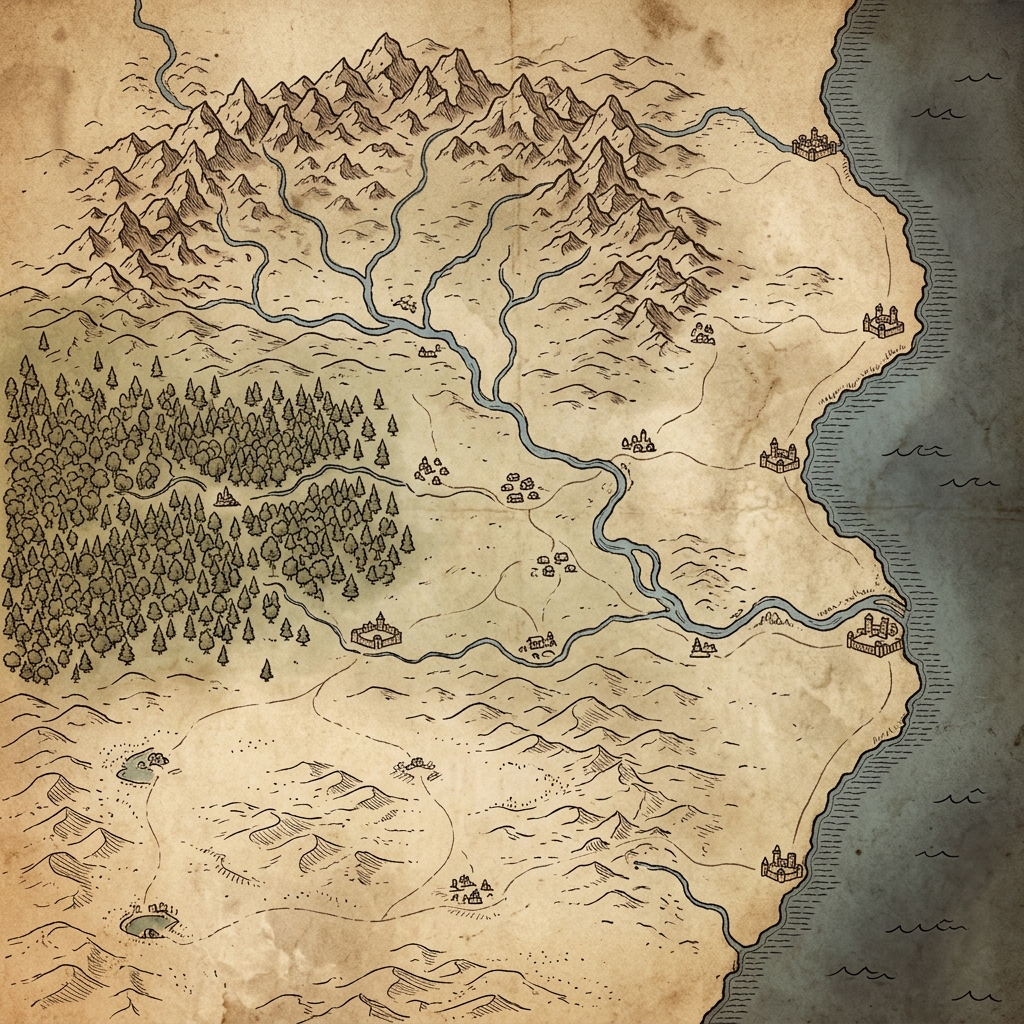
Created by the same developer, Wonderdraft is designed specifically for macro-scale cartography. It is the premier desktop tool for drawing continent maps, regional hex crawls, and fantasy world handouts.
Wonderdraft makes generating coastlines, painting flowing river networks, and stamping down mountain ranges incredibly intuitive. Its brush systems blend textures smoothly to create realistic landmasses with a Tolkien-style parchment aesthetic. While completely unsuitable for tactical battle maps (you cannot use it to design rooms) it has no equal for mapping geography.
- Use this if: Your primary goal is world-building, and you need to craft high-quality regional maps or political handouts.
5. Watabou's One Page Dungeon
If you need a layout with zero learning curve, Watabou's One Page Dungeon is a fantastic free tool. Running in your browser, it procedurally generates traditional, black-and-white dungeon blueprints with a single click.
Watabou does not provide full-color environmental art. Instead, it offers clean layout logic, detailing rooms, secret doors, corridors, and room notes. It is perfect for Game Masters who prefer theater-of-the-mind play or those who want a quick structural skeleton to sketch onto a dry-erase mat at the table. To see how its procedural blueprints stack up against generative tools, read our Watabou vs AI battle maps breakdown.
- Use this if: You need an instant dungeon layout blueprint for free and do not require cinematic color textures.
How to Pick the Right Alternative
Choosing between these inkarnate alternatives comes down to identifying your primary prep constraint: speed, control, or cost.
If your priority is speed and you want to reduce your weekly preparation to seconds, generative AI platforms like Text to Tabletop are unmatched. If you want to automate VTT setup and love a cinematic, three-dimensional aesthetic, Dungeon Alchemist is your best choice. For GMs who demand absolute, hand-crafted control over every square inch of a 2D battle map, Dungeondraft remains the desktop gold standard. If you are focused on mapping out kingdoms rather than rooms, Wonderdraft is ideal. Finally, if you need a free, instant layout to run an old-school crawl, bookmark Watabou. GMs on a strict budget can also browse our roundup of the best free AI map generators.
Can You Use More Than One?
The short answer is yes. Most experienced Game Masters combine these tools. Using multiple alternatives to inkarnate allows you to leverage the specific strength of each software for different parts of your campaign prep.
For example, you can use Wonderdraft once to establish the geography of your world. During weekly prep, you might use Watabou to quickly roll up a dungeon layout for structural inspiration. If you find a room where a pivotal encounter occurs, you can generate a gorgeous, high-fidelity battle map using Text to Tabletop. For a head-to-head comparison of these cartography models, read our detailed map maker comparison guide. Mixing these tools keeps prep time low while maintaining visual quality.
Forge Your Next Battleground
Your prep time is the lifeblood of your campaign. Every hour spent manually placing asset stamps is an hour you could have spent developing memorable villains, refining plot points, or customizing encounters. By choosing a tool that aligns with your schedule and gaming style, you can reclaim your weekends without sacrificing the visuals your table loves.
If you are ready to experience the speed of on-demand, top-down locked, and grid-stripped AI battle maps, head over to the Text to Tabletop app. Create a custom environment tailored to your encounter today and discover how fast prep can be. Sign up at Text to Tabletop today and roll for initiative!
Tyler V
Lead Developer and UX Designer at Text to Tabletop. Passionate about helping GMs and players create better TTRPG experiences.
Ready to Forge Your Next Battle Map?
Describe the encounter and get a grid-aligned, top-down battle map in seconds, then regenerate any area until it matches your vision.
Generate Your First Map Free3 free map tokens · no credit card required